

Goal: Send your first campaign.Documentation Index
Fetch the complete documentation index at: https://shrflow.mintlify.app/llms.txt
Use this file to discover all available pages before exploring further.
Estimated Time: 10 Minutes
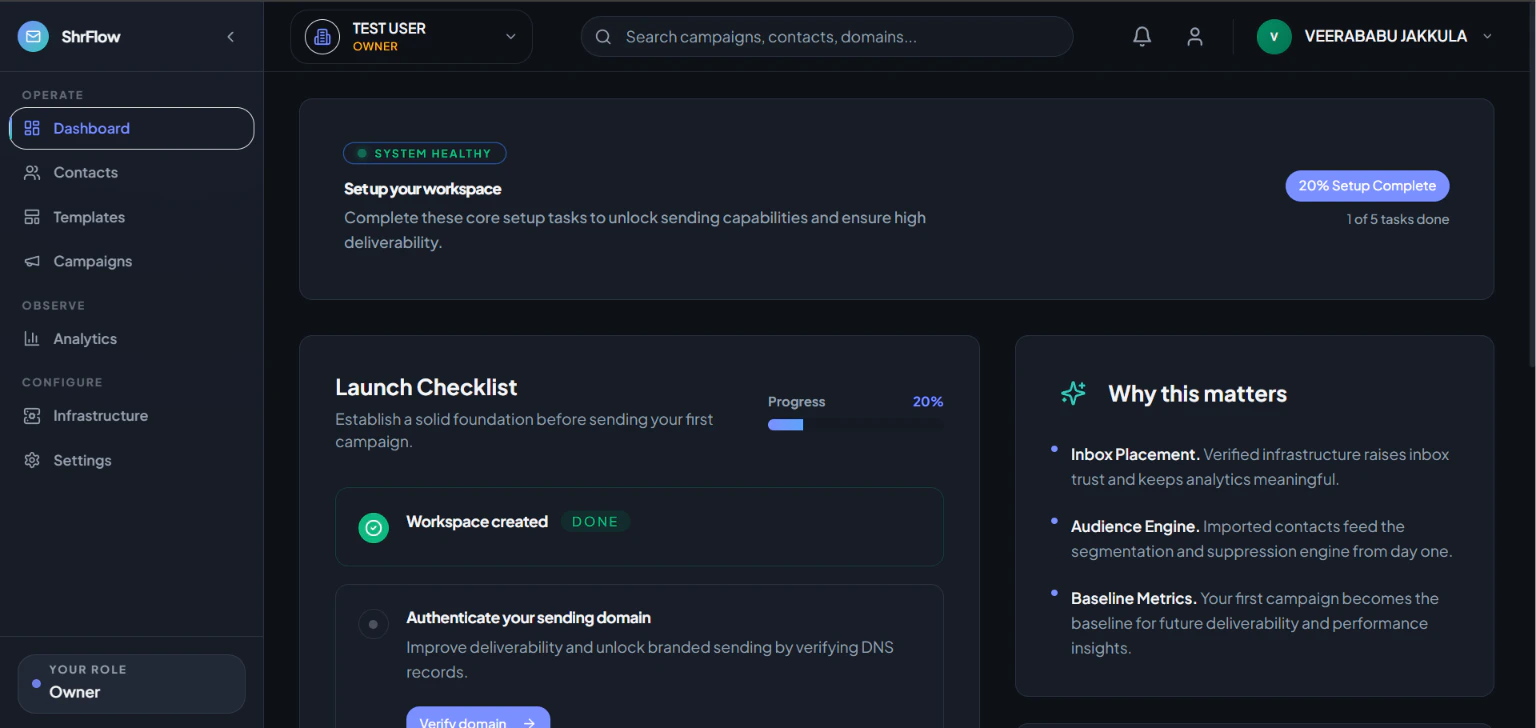
1. Login to Your Workspace
- What you should do: Go to the login page and sign in with your work email.
- Expected Result: You will see your dashboard.
- Common Mistake: Using a personal email instead of your invited work email.
2. Verify Your Domain
- What you should do: Go to Settings > Domains and add your website to generate SPF and DKIM records.
- Expected Result: A green “Verified” badge appears.
- Troubleshooting Tip: If it stays pending, DNS updates can take up to 24 hours.
3. Import Contacts
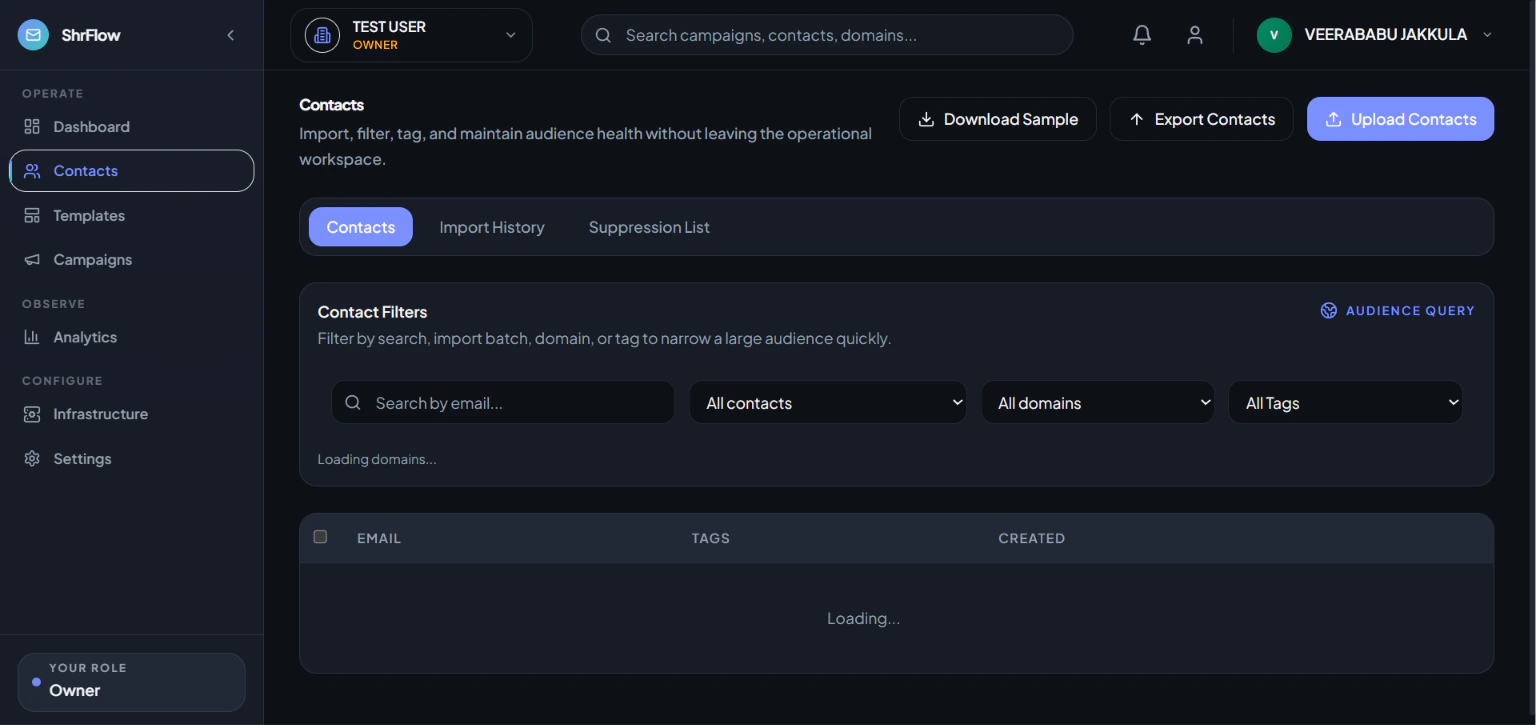
- What you should do: Go to Audience > Import and upload your CSV file.
- Expected Result: Contacts are imported successfully.
- Common Mistake: Forgetting to include an “Email” column in your spreadsheet.
4. Send a Campaign
- What you should do: Go to Campaigns > New Campaign. Design your email and hit Send.
- Expected Result: Your campaign is queued and delivered.