

Goal: Build and launch your first email blast.Documentation Index
Fetch the complete documentation index at: https://shrflow.mintlify.app/llms.txt
Use this file to discover all available pages before exploring further.
Estimated Time: 5 Minutes
Step 1: Campaign Setup
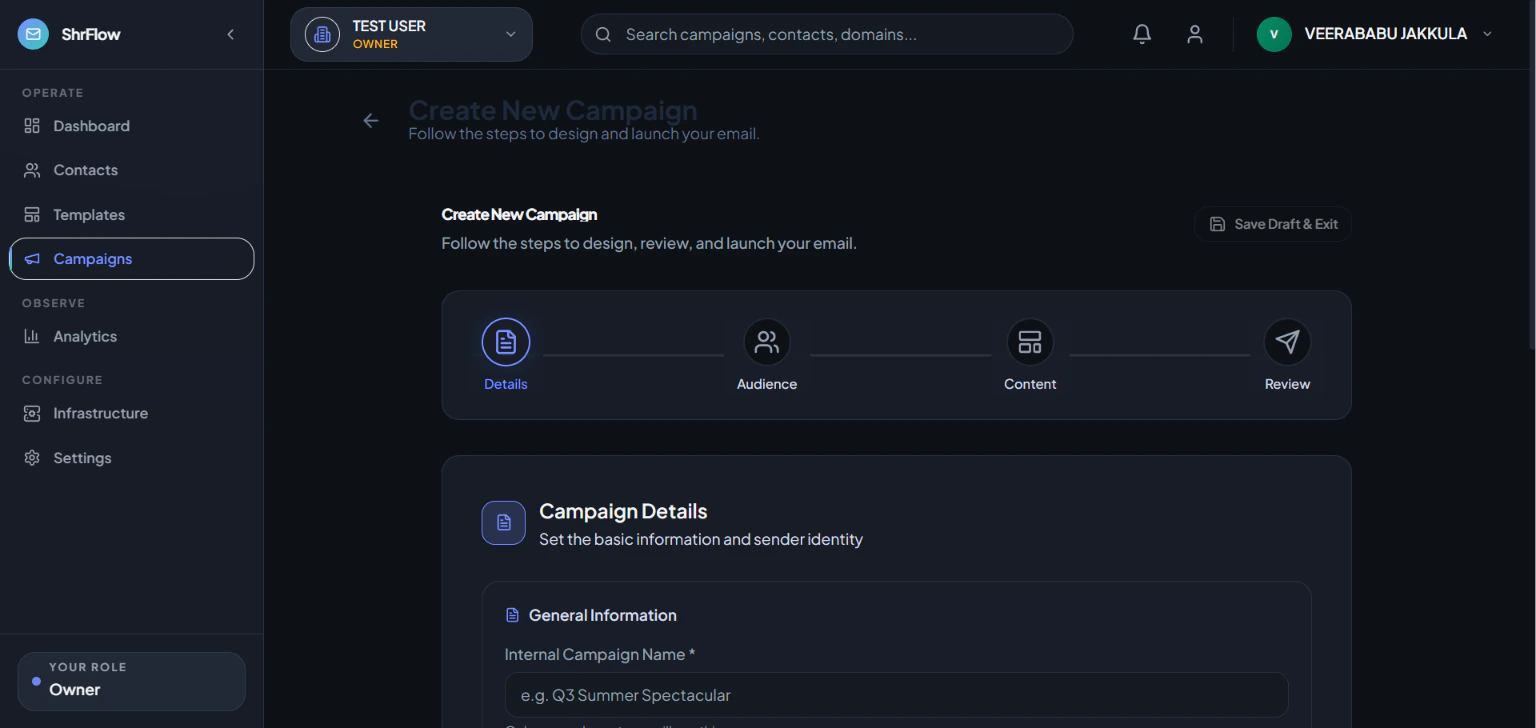
- What you should do: Go to Campaigns > New Campaign. Add a Subject Line and select your verified domain.
- Expected Result: You are taken to the design step.
- Common Mistake: Forgetting to select an audience.
Step 2: Design Your Email
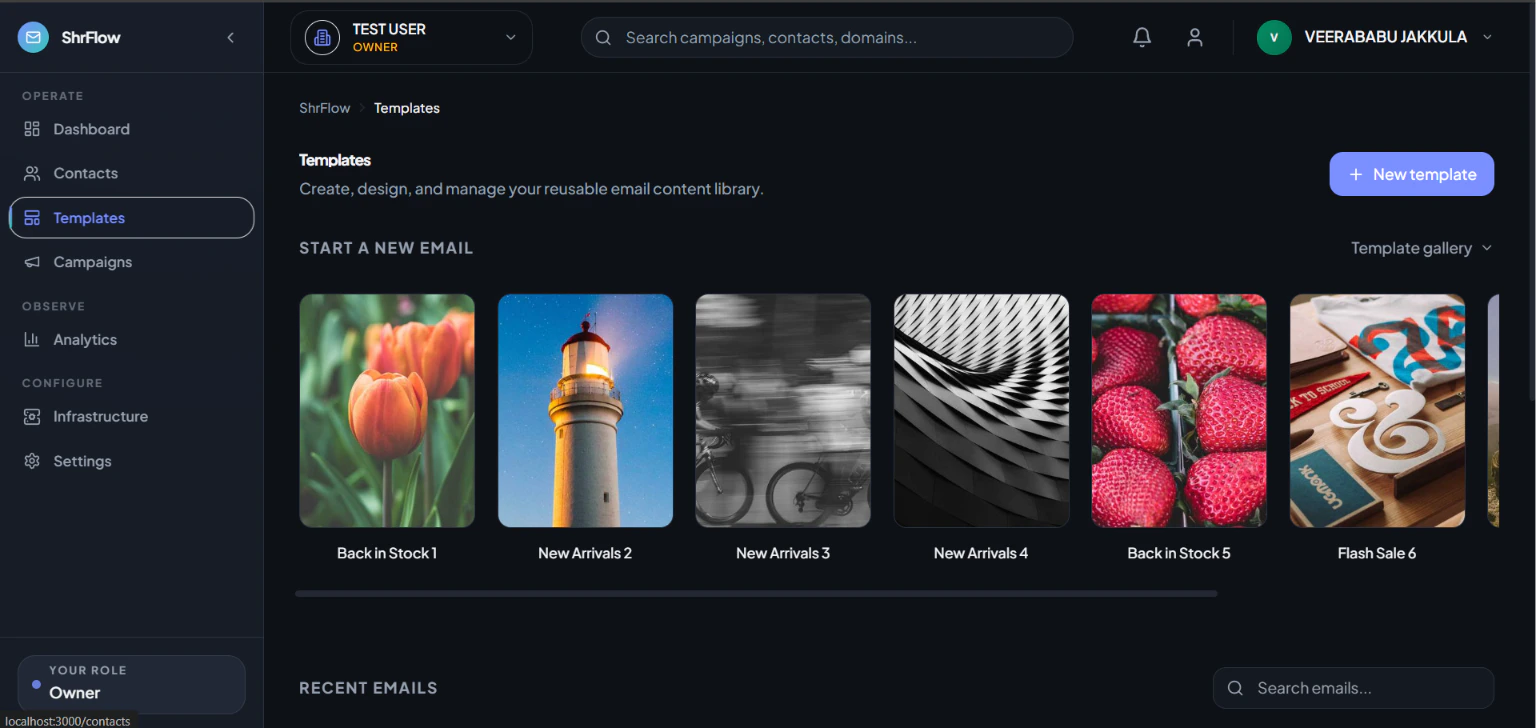
- What you should do: Use the drag-and-drop builder to add text and images.
- Expected Result: Your email looks great on the preview screen.
Step 3: Send a Test
- What you should do: Click Send Test and email it to yourself.
- Expected Result: The test email arrives in your inbox.
- Troubleshooting Tip: Check your spam folder if the test doesn’t arrive within a minute.
Step 4: Send Now
- What you should do: On the final screen, click Send Now.
- Expected Result: A success message confirms your campaign is sending.